Comparison Research
Elementor vs Divi 2026: Price, Speed and Which Builder to Pick
 Anna · Designer & web developerUpdated 2026-11-06 · How we test
Elementor vs Divi compared on real prices, site limits, Divi 5, AI tools and lock-in. Which WordPress page builder fits a freelancer, small business or agency.
Elementor is the better pick if you build one or a few sites and want the largest ecosystem of add-ons, templates and tutorials. It has a free version, and Pro starts at about $60 a year for one site. Divi is the better pick if you build many sites: $89 a year covers unlimited sites, and a $249 one-time lifetime license removes renewals completely.
Both are visual drag-and-drop builders for WordPress. Both have theme builders, popups, forms and AI tools. The real differences are the pricing model, how much each locks your content in, and how they handle client handoff. This guide covers those three things with current numbers.
I'm Anna, a web designer and developer. I build client sites in WordPress, Framer, plain HTML and with AI tools, but this comparison is a research piece based on official pricing pages, docs and independent reviews, not on a long test of both builders. Figures are as of November 2026, so check the checkout before you pay. Some links here are affiliate links.
Quick comparison
| Elementor | Divi | |
|---|---|---|
| Free version | Yes, on WordPress.org | No |
| Entry price | ~$60/year, 1 site (Essential) | $89/year, unlimited sites |
| Lifetime option | No | $249 one-time |
| Agency tier | Expert: ~$204/year, 25 sites | Same $89 plan covers unlimited sites |
| AI | Included in Elementor One plans (credits) | Divi AI in Divi Pro ($277/year) |
| Refund | 30 days, annual plans only | 30 days, all plans |
| Works with other themes | Yes, any theme | Divi Builder plugin works with other themes; usually paired with the Divi theme |
| Ecosystem | Very large: add-on packs, template kits, Envato kits | Large: Divi Marketplace, child themes |
Prices from elementor.com and elegantthemes.com, November 2026. Elementor's renewals are charged at list price, so watch for sale prices that only apply to year one.
Pricing in detail
Elementor
Elementor has a free plugin with the core editor and basic widgets. It is enough to test the builder and to make simple pages. For the theme builder, popups and WooCommerce widgets you need Pro or the newer Elementor One bundle.
| Plan | Price per year | Sites | What stands out |
|---|---|---|---|
| Essential | ~$60 | 1 | Theme builder and forms, no popup builder or custom code |
| Advanced Solo | ~$84 | 1 | Adds popups, custom CSS and code, WooCommerce builder |
| Advanced | ~$108 | 3 | Same features as Advanced Solo |
| Expert | ~$204 | 25 | Same features, larger template library |
| One | $180 first year, $228 renewal | 1 | Pro features plus AI credits, image optimizer, accessibility and cookie tools |
| One Agency | $432 first year, $540 renewal | Unlimited | The One toolset for client portfolios |
The Essential plan is cheap, but it leaves out popups and custom code. Most people who build for clients end up on Advanced or Expert. Elementor also sells hosting with the builder preinstalled, which is a separate product.
Divi
Divi is sold by Elegant Themes. Every plan covers unlimited sites, which is the main reason agencies choose it.
| Plan | Price | Sites | What stands out |
|---|---|---|---|
| Divi yearly | $89/year | Unlimited | Divi theme and builder, plus Extra, Bloom and Monarch |
| Divi Lifetime | $249 once | Unlimited | Updates and support for life, no pro services |
| Divi Pro | $277/year | Unlimited | Adds Divi AI, Divi Cloud, VIP support and Teams |
| Lifetime + Pro | $297 today, then $212/year | Unlimited | Lifetime Divi plus the yearly pro services |
If you cancel a yearly Divi plan, your sites keep running and you can keep using what you downloaded. You lose updates, support and access to the members area.
The math for freelancers. With 10 client sites, Elementor Expert costs about $204 a year. Divi costs $89 a year, or $249 once. Over five years that is roughly $1,020 for Elementor Expert against $249 for Divi Lifetime. For one personal site the gap disappears, and Elementor's free plan may be all you need.
Editing experience
Elementor edits in a sidebar plus a live canvas. You drag widgets into containers, and settings sit in tabs for content, style and advanced. Containers use flexbox and grid, so layouts behave like modern CSS. Because Elementor is so widespread, almost any question you have has a tutorial, and many freelancers already know it.
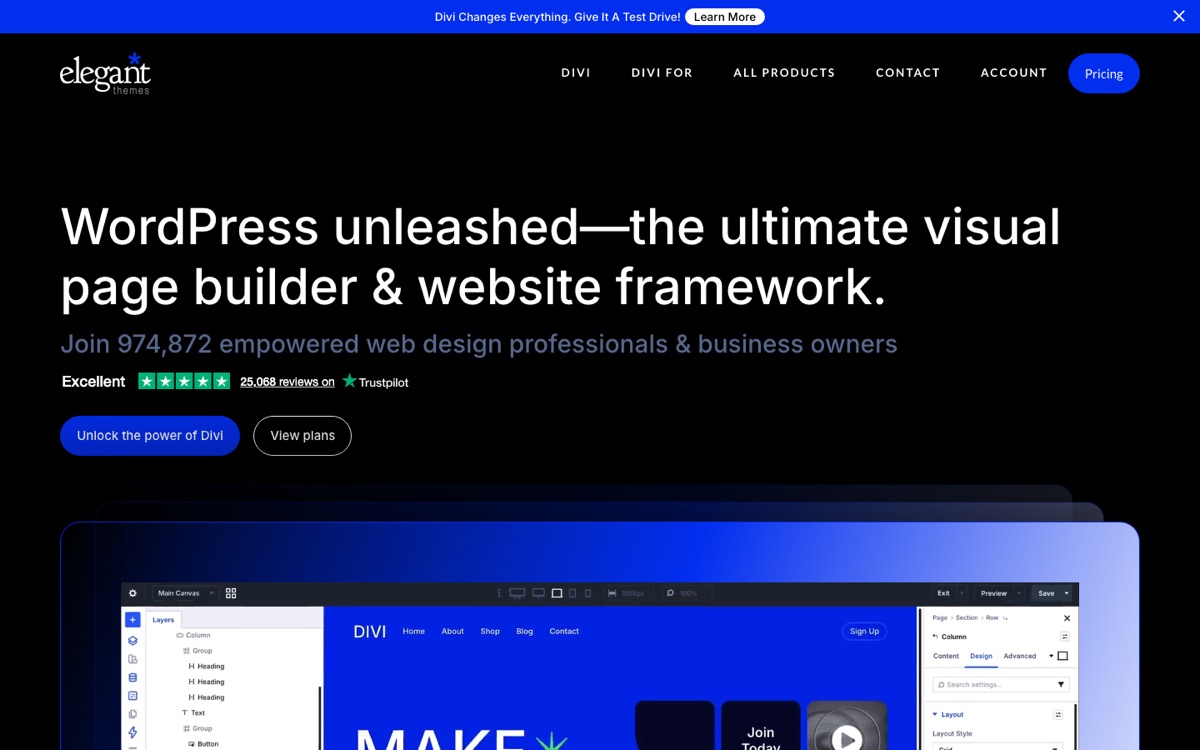
Divi edits directly on the page with floating toolbars. Divi 5, the rebuilt version of the builder, is now available. Elegant Themes describes it as faster and closer to modern CSS, with design variables and better responsive controls. Reviews of Divi 5 are positive on speed of the editor, with the usual warning that some third-party Divi modules need updates to work with it.
Both have a theme builder for headers, footers and templates for posts and products. Both support dynamic content from custom fields, though on Elementor that needs Advanced Solo or higher.
Speed
Page builders add code. A hand-coded site or a light block theme will always ship less CSS and JavaScript than a builder page. Independent speed tests in 2025 and 2026 put both builders in the same range when sites are built carefully: decent Core Web Vitals are possible with caching, image compression and a good host.
Two practical points matter more than the builder:
- Hosting. A slow shared plan hurts more than the builder does. See our hosting for web designers guide.
- Add-ons. Each extra widget pack loads its own files. Five Elementor add-on packs will slow a site far more than Elementor alone.
If speed is the top priority and you are comfortable with blocks, a light theme may be a better fit. We compare three of them in Astra vs GeneratePress vs Kadence.
Lock-in and switching later
This is the question clients rarely ask and freelancers should.
Elementor stores layouts in its own format. If you deactivate it, the page content falls back to plain text and images without the layout. Moving away means rebuilding pages.
Divi 4 stored layouts as shortcodes. Turning Divi off left pages full of bracketed shortcode text. Elegant Themes says Divi 5 moves to a new block-based storage format, which should make content cleaner, but switching away still means rebuilding the design.
In practice, both builders lock you in. Plan to stay with the one you choose for the life of the site.
AI features
Elementor bundles AI into the One plans as monthly credits. It can write text, generate images, suggest layouts and write custom code. Higher tiers include more credits.
Divi AI is part of Divi Pro. Elegant Themes lists unlimited AI generation of layouts, text, images and code, with a separate allowance for its AI agent.
If you mostly want AI to draft a full site from a prompt, an AI builder may suit you better than either. Our best AI website builders guide compares the options, and our prompt gallery has ready prompts for landing pages.
Templates and ecosystem
Elementor has the bigger third-party market. Envato Elements, ThemeForest and many independent shops sell Elementor template kits, and there are dozens of add-on plugins. See our Envato Elements review if you want kits on subscription.
Divi has its own marketplace with layouts, child themes and modules, and a large Facebook community. Divi Pro buyers get a Marketplace credit and a discount.
Client handoff
Clients who edit their own site need a simple editor. Elementor's large user base helps: clients often find tutorials on their own. Elementor also lets you hide or limit features with role manager settings on paid plans.
Divi's lifetime license is useful here too. You can build client sites on your license without passing a renewal cost to each client. Read the license terms for your exact use before you rely on that.
Which one to pick
- One site, small budget: Elementor free, then Essential or Advanced Solo if you need Pro features.
- Freelancer with many client sites: Divi yearly or Lifetime.
- Agency that wants AI and hosting tools in one bill: Elementor One Agency, or Divi Pro.
- You need WooCommerce page building: both work. On Elementor that needs Advanced Solo or higher.
- Speed above everything: a light block theme instead of a builder. See the WordPress section.
FAQ
Is Elementor or Divi cheaper?
It depends on how many sites you build. As of November 2026, Elementor Essential costs about $60 a year for one site and Expert about $204 a year for 25 sites. Divi costs $89 a year for unlimited sites, or $249 once for a lifetime license. For more than three or four sites, Divi is usually cheaper.
Does Elementor have a free version?
Yes. Elementor's free plugin on WordPress.org includes the drag-and-drop editor and essential widgets, which is enough to test the builder and build simple pages. The theme builder, popups, custom code and WooCommerce widgets need a paid plan. Essential starts at about $60 a year for one site, as of November 2026.
Does Divi have a lifetime license?
Yes. As of November 2026, Divi Lifetime costs $249 once and covers unlimited sites with updates and support. It does not include the pro services. Divi AI, Divi Cloud, VIP support and Teams come with Divi Pro, which costs $277 a year, or $212 a year on top of a lifetime license.
Is Divi 5 out?
Yes. Elegant Themes lists Divi 5 as available. It is a rebuild of the builder that the company describes as faster, with design variables, better responsive controls and a new block-based storage format. Some third-party Divi modules need updates to work with Divi 5, so check your plugins before upgrading a live site.
Can I switch from Elementor to Divi later?
Not without rebuilding. Elementor stores layouts in its own format, so deactivating it leaves plain content without the design. Divi 4 left shortcodes behind when turned off. Divi 5 uses a new block-based format, but the design still has to be rebuilt in the new builder. Choose one for the life of the site.
Which is faster, Elementor or Divi?
Independent tests in 2025 and 2026 put both builders in a similar range when sites are built with care. Hosting, caching, image size and the number of add-on plugins usually matter more than the builder itself. If speed is the main goal, a light block theme ships less code than either page builder.
Bottom line
Pick Elementor for one or a few sites, a free starting point and the largest ecosystem. Pick Divi if you build many sites and want one fixed price, especially the $249 lifetime license. Whichever you choose, you will stay with it for the life of each site, so test the free version or use the 30-day refund window before you commit.