Alternatives Research
7 MotionSites AI Alternatives (Free and Paid) for Animated Landing Pages in 2026
 Anna · Designer & web developerUpdated 2026-11-06 · How we test
Free and paid alternatives to MotionSites AI: 21st.dev, Magic UI, Aceternity, React Bits, ScrollHaus, GetLayers, Framer. Comparison table and when to pick which.
I'm a paying MotionSites AI subscriber, and I reviewed it here. I like it, with caveats. The main one: a lot of what it sells can be assembled for free if you're willing to write some of the prompts yourself.
So I looked at the alternatives. To be clear about where this comes from: of the tools below, I've used MotionSites and Framer in my own work. Framer is what my portfolio site runs on, and I build client sites in it. The component libraries I haven't shipped a client project with yet, so those sections are based on their docs, pricing pages and demos, checked in October 2026. Prices change; check each tool's current pricing page. Some links are affiliate links.
Quick comparison
| Tool | Type | Free tier | Best for | Lovable/Bolt friendly |
|---|---|---|---|---|
| MotionSites AI | Prompts + templates | No ($49+) | Designers building with AI coders | Yes, purpose-built |
| 21st.dev | Community components as prompts | Limited daily copies | Trying a wide range of effects | Yes |
| Magic UI | Component library | Yes | React/Next devs | Via code paste |
| Aceternity UI | Component library | Yes + paid pass | Hero sections, backgrounds | Via code paste |
| React Bits | Open-source components | Free | Text and background effects | Via code paste |
| ScrollHaus | Scroll animation presets | Check current pricing | Scroll-driven storytelling | Partial |
| GetLayers | Layered background generator | Check current pricing | Gradient/mesh backgrounds | Yes (CSS output) |
| Framer | No-code builder | Free plan | Skipping AI coders entirely | N/A |
1. 21st.dev — the closest free equivalent
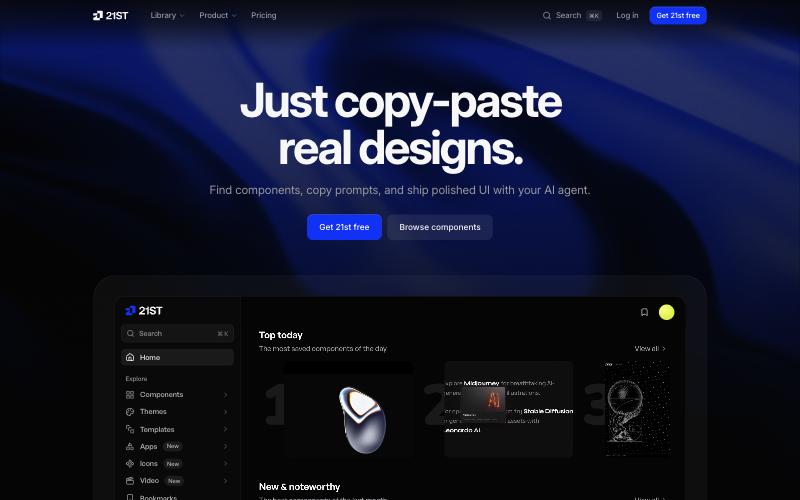
21st.dev is a community library of React + Tailwind components where each component comes as a prompt you paste into your AI tool. On paper the format is very close to MotionSites: a block of text that tells Cursor, Lovable or v0 what to build and how.
Free tier: a small number of free copies per day; check the current limits. That's fine for a side project and slow for client work.
Where it looks strong: range. Because it's community-sourced, there are many variants of the same idea. Want a hero with a particle grid? You'll find several. Compare them with my particle grid demo to get a feel for the spread.
What to watch for: consistency. With community submissions, quality varies, and a component written for a Next.js setup may need adjusting in a hosted builder. There are no per-tool variants or full-page templates.
Pick it when: you're building a few pages a month and don't mind debugging a component once in a while.
2. Magic UI — a large free library of animated components
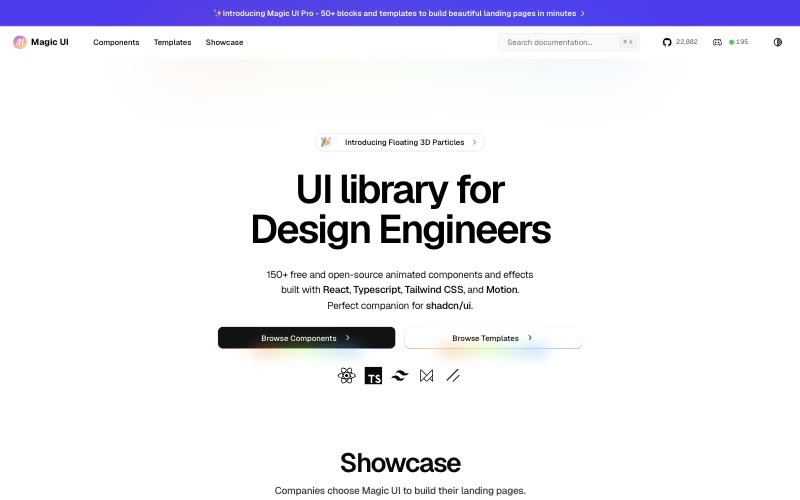
Magic UI is a component library in the shadcn/ui tradition: copy the code, paste it into your project, own it. It has a big set of animated components covering the usual landing-page pieces: marquees, animated beams, shimmer buttons, orbiting circles, text reveals.
Free tier: the component library is free. There's a paid template tier; check current pricing.
Where it looks strong: the code is meant to live in your project, not behind an API. My orbit rings demo and marquee logos demo are in a similar style if you want to see the category.
What to watch for: it's not prompt-first. In Lovable you'd paste the component code and say "integrate this into the hero." That's a step removed from MotionSites' "paste prompt, get section."
Pick it when: you're working in a real React/Next project (Cursor, Claude Code) rather than a hosted builder.
3. Aceternity UI — free + All-Access Pass
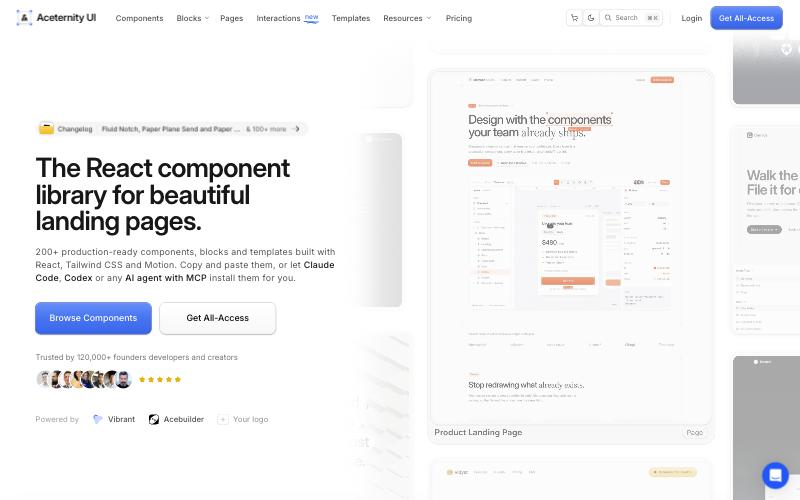
Aceternity is one of the libraries behind the "dark glassy SaaS hero" look: backgrounds (aurora, grid, dots, beams), spotlight effects, 3D cards, sticky scroll reveals.
Free tier: a large free set. The All-Access Pass adds templates and premium components; check current pricing.
Where it looks strong: backgrounds and heroes. If the brief says "make it feel premium," there are plenty of hero options. My aurora hero and spotlight cursor demos are closest to this style.
What to watch for: check each component's dependencies before you paste it into a hosted AI builder. The fewer extra packages an effect needs, the less likely it is to break the build.
Pick it when: your project is React-based and the client wants the current SaaS aesthetic.
4. React Bits — fully open source
React Bits is an open-source collection focused on text animations, backgrounds and small interactive pieces. It's smaller than Magic UI, and the text effects are what it's best known for.
Free tier: all of it. Open source; check the license in the repo.
Where it looks strong: text. Split-text reveals, scramble effects, typing animations. My text reveal demo and typing terminal demo are in this family. Also good for small "delight" details rather than full sections.
What to watch for: no full-page templates, no AI-tool-specific instructions. You assemble the page yourself.
Pick it when: you need one or two standout text animations and nothing else.
5. ScrollHaus — scroll animation presets
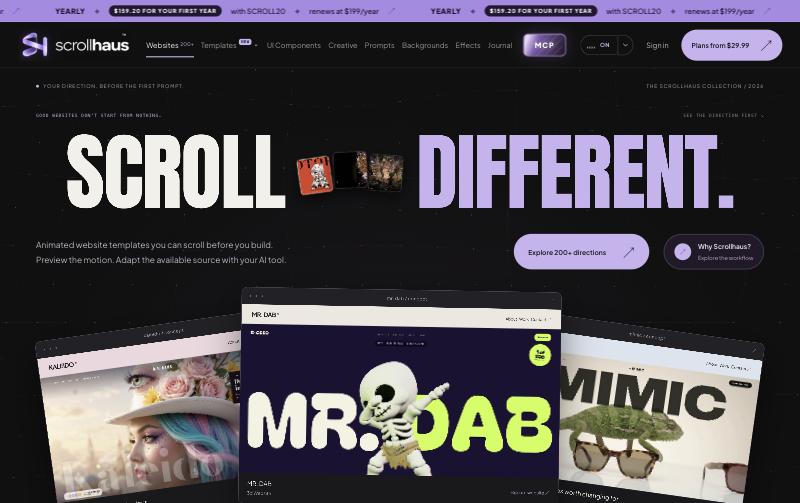
ScrollHaus is narrower: scroll-driven animations. Pinned sections, parallax layers, progress-linked reveals, horizontal scroll.
Free tier: check current pricing for what's free and what's paid.
Where it looks strong: scroll storytelling. If your landing page is a "scroll to reveal the product" story, a preset can be faster than hand-writing GSAP ScrollTrigger. See my scroll parallax demo for the simplest version of the idea.
What to watch for: it's one trick. No heroes, no cards, no backgrounds.
Pick it when: the brief is about scroll, not about the hero.
6. GetLayers — background generator
GetLayers generates layered backgrounds: gradient meshes, noise, grain, shapes. The output is CSS or an image, so it should work in any tool, including Framer, Webflow and plain HTML.
Free tier: check current pricing.
Where it looks strong: it's not React. Most of this list assumes a React stack. A background you can drop into a Framer or plain HTML project is useful for exactly the kind of sites I often build. Compare with my gradient mesh demo, the CSS-animated version of the same idea.
What to watch for: it's about static or lightly animated backgrounds. Don't expect cursor-reactive or scroll-reactive effects.
Pick it when: you need a backdrop, not an interaction.
7. Framer — skip the AI coder entirely
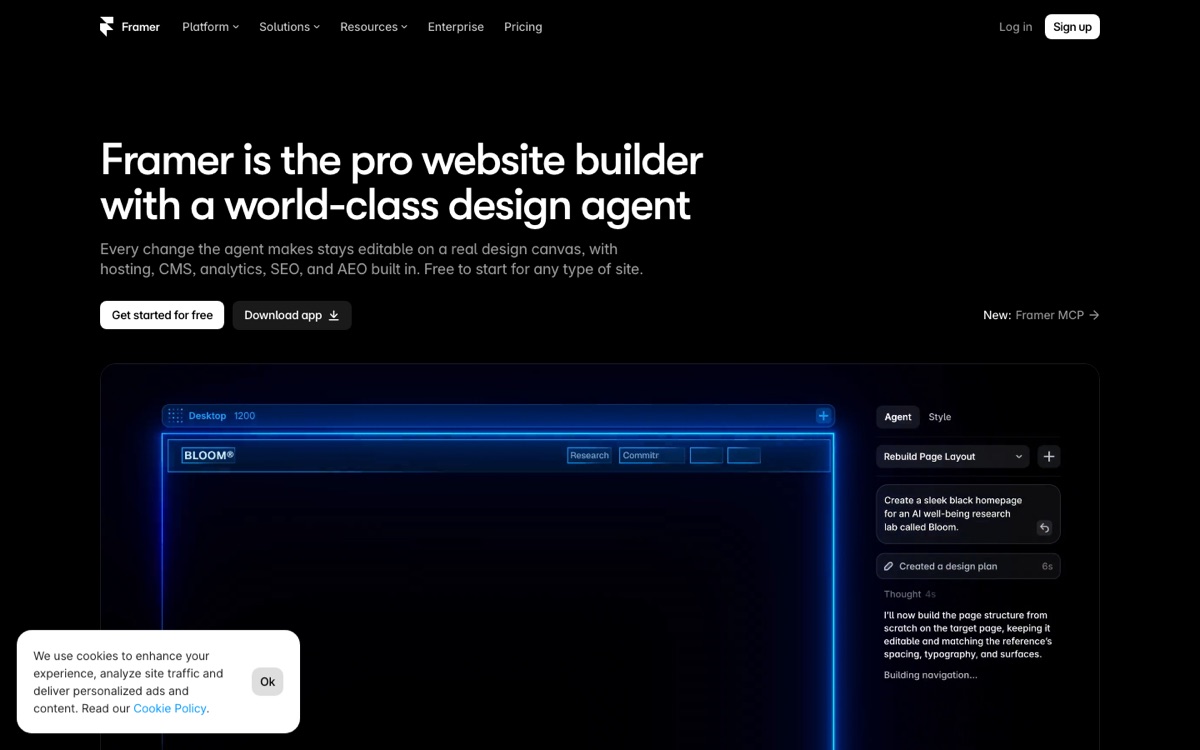
This is the "different category" option, and the one I know best on this list. My own portfolio, leontevadesign.com, is built in Framer, and I build client sites in it too. It's a no-code builder with strong motion tools and AI-assisted generation built in. If what you want is an animated landing page and you don't need custom app logic, Framer gets you there without touching Lovable or Cursor.
Free tier: yes, with Framer branding. Paid plans remove it and add more; check current pricing.
Where it wins: you see the animation as you build it. No prompt, no regeneration, no surprise on mobile. Effects like 3D tilt cards are something you set up visually.
Where it loses: lock-in. You can't export a clean React project. And if the client later wants a dashboard or logins, you're rebuilding elsewhere. I cover this in Framer vs Webflow vs Lovable.
Pick it when: the deliverable is a marketing site and nothing more.
How I'd combine these
For an animated landing page built in code, this is the combination I'd suggest, and the first step is how I work today:
- Start from a MotionSites prompt in your AI coder (I use Claude Code) if the client wants the polished SaaS look, or from a blank project otherwise.
- Try a hero effect from Aceternity or Magic UI if the MotionSites hero doesn't fit.
- Add one text animation from React Bits for the headline.
- If the page has a scroll story, look at a ScrollHaus preset.
- For non-React pages (Framer, plain HTML), get the background from a generator like GetLayers.
That's one paid tool and several free ones. The paid one earns its place by being the one with tool-specific prompts, full-page templates and an MCP server. If you cut it, you'll spend that money in time instead.
My step-by-step guide walks through the process with example prompts.
When to pay for MotionSites vs stay free
Stay free if:
- You only build an animated page now and then
- You're comfortable turning a React component into a prompt
- You use Cursor or Claude Code and can install components directly
Pay if:
- You bill clients and the time saved is worth more than the plan
- You want full-page Lovable templates, not sections
- You want the MCP server in Cursor/Claude Code
- You keep running into the daily limits of free tools
FAQ
Can I use free component libraries in Lovable?
Generally, yes. Paste the component code into the chat and ask Lovable to integrate it into a specific section. If it fails, the usual cause is a missing dependency; ask Lovable to install it, or pick a component with fewer imports.
Which alternative is closest to MotionSites in workflow?
21st.dev, based on how it's set up: the same "copy a prompt, paste into your AI tool" loop. The differences are the daily limit, the lack of full-page templates and the lack of per-tool prompt variants.
Are these libraries licensed for client work?
Magic UI and React Bits are open source; check each repo's license. Aceternity's free tier is generally usable, and premium pieces have their own terms, so read them. 21st.dev components are community-contributed and licensing can vary per component. MotionSites states that client-work rights are included.
Do I need React for any of this?
For everything except GetLayers and Framer, yes. Lovable, Bolt and Cursor all generate React by default, so if you're using those tools you're already there.