Review Hands-on
MotionSites AI Review (2026): Are Animated Landing Page Prompts Worth $49–$399?
 Anna · Designer & web developerUpdated 2026-11-06 · How we test
I'm a web designer and a paying MotionSites AI subscriber. What's inside, who it fits, pricing, pros, cons, and my honest verdict.
I'm Anna, a web designer and developer. I build client websites for portfolios, clinics, studios and small brands, some in Framer, some in WordPress, and more and more of them in plain code with AI tools. I work in Claude Code every day. I pay for MotionSites AI myself and use its prompts to improve the sites I build in code, so this review comes from that seat.
I do earn a commission if you buy through my link to MotionSites AI. I'd still rather you skip it than buy something you won't use, so I'll be specific about who shouldn't pay for it.
What MotionSites AI is
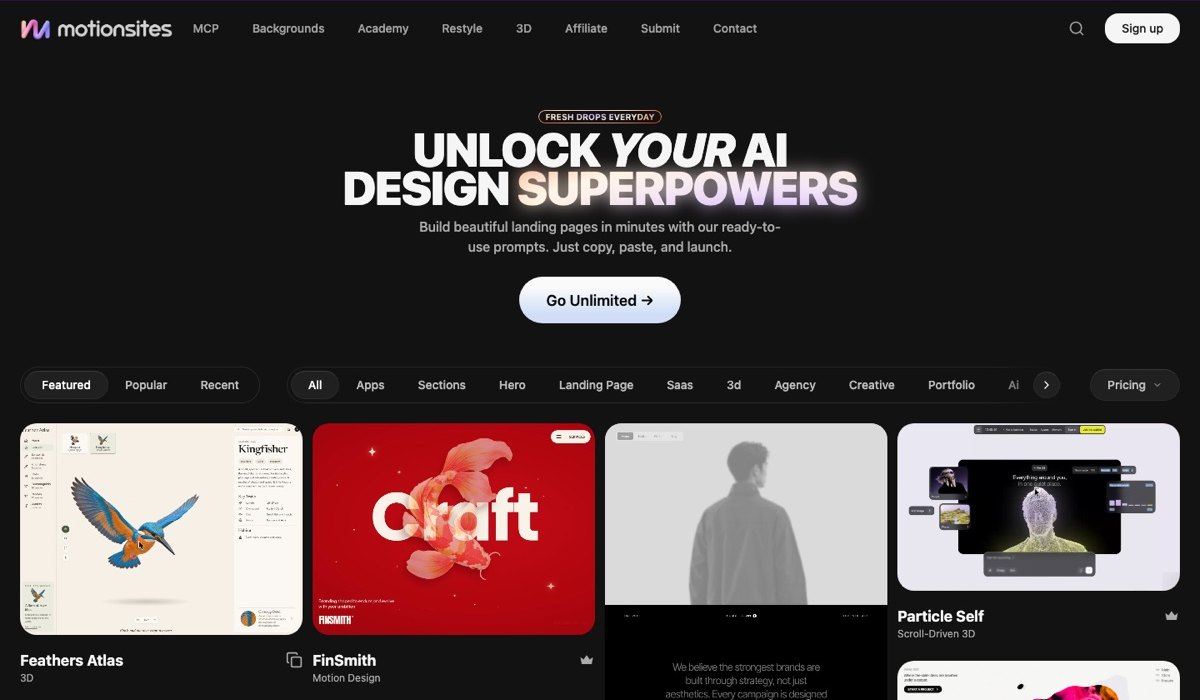
MotionSites AI sells prompts. Not components, not a builder, not a plugin. Each product is a long, structured prompt that you paste into Lovable, Bolt, Cursor or Claude, and the AI tool generates an animated landing page section (or a full page) from it.
The focus is motion: hero sections with animated backgrounds, scroll-triggered reveals, cursor effects, gradient meshes, 3D-tilt cards, marquee logo strips. The kind of thing that makes a landing page look expensive and that AI tools are bad at producing from a one-line request.
If you've ever typed "make the hero animated" and got a plain fade-in, you know the problem it's solving.
What's included (as of October 2026)
According to the MotionSites site, a plan gives you:
- Animated landing-page prompts written for Lovable, Bolt, Cursor and Claude
- 40+ Lovable templates (full pages, not just sections)
- A library of animated backgrounds
- An MCP server so Cursor and Claude Code can pull prompts directly
- A community space for members
- Client-work rights: you can use the output in paid projects
The MCP server is the part I like most, because I live in Claude Code. Instead of copying prompts from a dashboard, I can ask Claude to search the library and pull a prompt into the session I'm already working in. It's a small thing, but it removes a lot of tab-switching.
Pricing
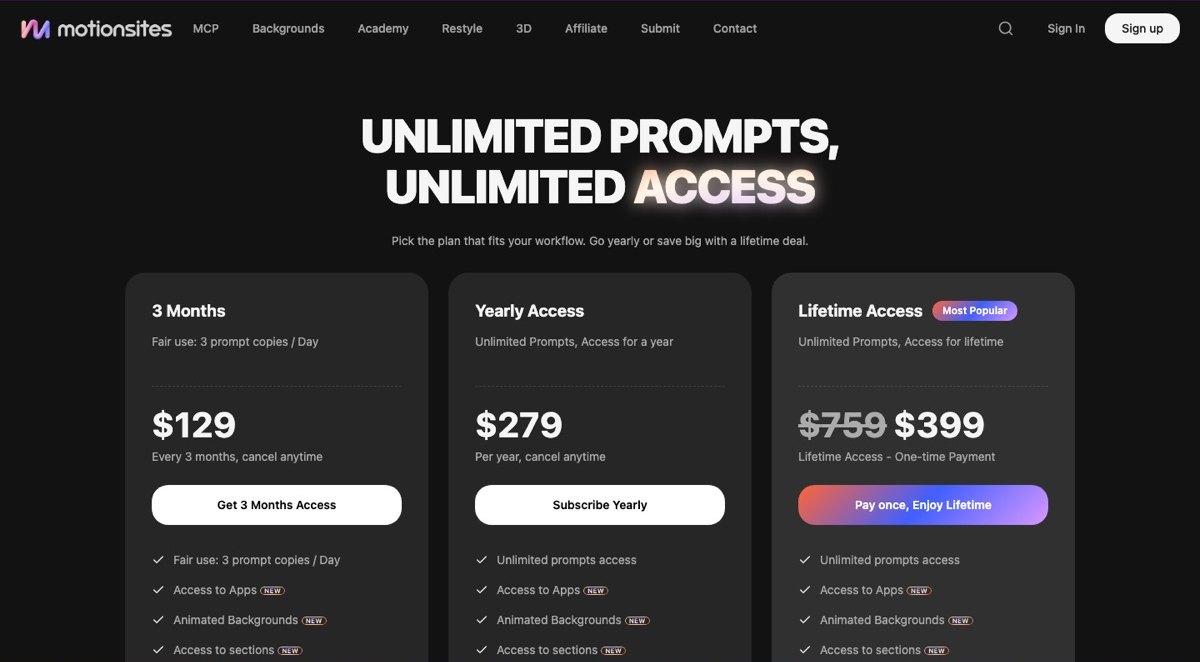
| Plan | Price | What you get |
|---|---|---|
| Prompt pack | $49 one-time | A themed set of prompts |
| 3 months | $129 | Full library, daily copy limit |
| Yearly | $279 | Full library |
| Lifetime | $399 (founding sale) | Everything, forever |
These are the prices as of October 2026. The details of each tier, including the daily copy limit on the 3-month plan, are listed on the pricing page and can change, so check there before you buy.
A landing page usually needs only a handful of distinct effects, and you copy each prompt once, so a daily limit matters less than it sounds unless you build several pages in one day.
If you build websites for a living, the lifetime price is the one I'd look at first. If you're testing the idea, start with the pack.
What the prompts are actually like
I expected short "make it pretty" prompts. They're not. A typical hero prompt is long and specifies:
- The tech stack (usually React + Tailwind + Framer Motion)
- Animation timings and easing
- Responsive behavior, including what to turn off on mobile
- Performance notes (
will-change, reduced-motion media query, canvas vs DOM) - Fallbacks for when the AI tool doesn't support a library
That level of detail is the point. A vague prompt gives you a vague result, and these prompts leave the AI very little room to guess.
To give you an idea of the category without buying, I made similar effects as free demos:
- Aurora hero — soft animated gradient blobs behind headline text
- Spotlight cursor — radial light that follows the mouse
- 3D tilt cards — perspective tilt on hover with glare
- Marquee logos — infinite logo strip with fade edges
- Scroll parallax — layered depth on scroll
The MotionSites versions are more polished than my demos and expose more settings. But if you look at those demos and think "I could prompt that myself," you probably can. Read on for whether it's worth your time.
Where it shines
Consistency across tools
The prompts come with variants for different AI tools, because Lovable, Bolt, Cursor and Claude each behave a little differently. I mostly use them in Claude Code, where they work well as a detailed brief. I haven't tested every variant in Bolt or Cursor, so I can't vouch for those personally, but writing a prompt that survives several AI coders is real work, and that's what you're paying for.
Lovable templates
The full-page Lovable templates are a strong feature on paper: projects you remix with the animations already wired, so you can spend your time on copy and structure instead of motion. I used Lovable in the past but build in code now, so I haven't relied on the templates myself. If Lovable is your main tool, they're probably the biggest reason to buy.
Client-work rights
Some prompt sellers have unclear licensing. MotionSites states that output can be used in client projects. Since I build sites for clients, this was one of the first things I checked. Read the current terms on their site before your first paid project.
Performance defaults
The prompts I've used include a prefers-reduced-motion fallback and avoid layout-thrashing patterns. AI tools often skip both unless you ask. Having that baked into the brief means one less thing to remember in every section.
Where it falls short
You still need to know what you're doing
The prompts produce a section. They don't produce a landing page strategy, copy, or a conversion funnel. If you're not a designer, the output can look like a nice animated page with nothing to say. A gorgeous hero with the headline "Welcome to our website" is still a weak page.
The library has a "look"
Aurora gradients, glass cards, spotlight cursors, dark mode by default. It's the 2025–2026 SaaS aesthetic. For tech products that's fine. For a clinic, a bakery or a law firm, I take the structure and the technique and tone the motion way down so the site fits the brand.
Community is thin
There is a community space, but don't buy MotionSites for it. When a prompt misbehaves in your tool, expect to debug it yourself, which is usually fine if you're used to working with AI coders.
Free alternatives cover a lot of this
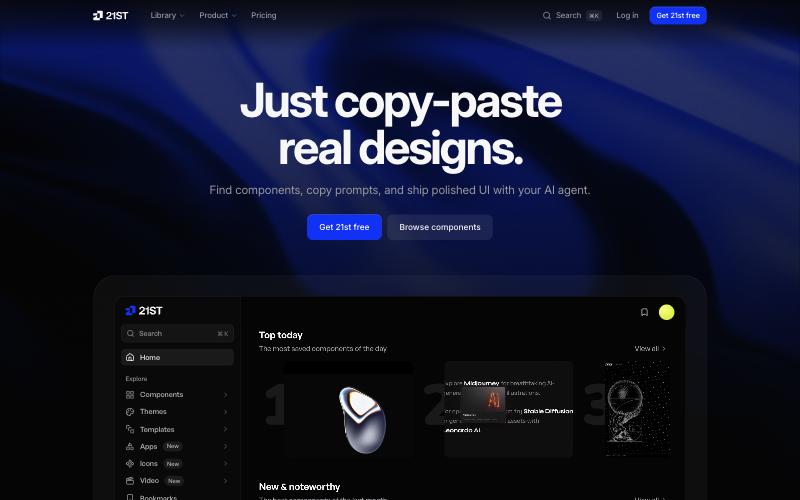
21st.dev gives you a limited number of free component copies per day. Magic UI has a large free library of animated components. Aceternity UI's free tier covers many hero patterns. If you're comfortable turning a React component into a prompt (paste the code, say "integrate this"), you can get a long way without paying. I haven't built client projects with these libraries yet; I cover them from their docs in the alternatives article.
What you won't get for free: the per-tool prompt variants, the Lovable full-page templates, and the MCP server. That's the paid value.
Who should buy it
Buy it if:
- You build landing pages for clients with AI tools (Lovable, Bolt, Cursor, Claude Code) regularly
- Your bottleneck is motion and polish, not strategy
- You bill per project, so the plan can pay for itself on one job
- You want the Lovable templates as a starting point
Skip it if:
- You're building one page for your own side project (try the free alternatives)
- You already hand-code Framer Motion comfortably
- Your clients are in industries where "animated SaaS hero" is the wrong tone
- You build in Framer or Webflow rather than with an AI coder (see my builder comparison)
MotionSites vs the alternatives, briefly
| MotionSites AI | 21st.dev | Magic UI | Aceternity UI | |
|---|---|---|---|---|
| Format | Prompts + templates | Components as prompts | Components | Components |
| Free tier | No | Limited daily copies | Yes | Yes + paid pass |
| Lovable-specific | Yes | Partial | No | No |
| MCP server | Yes | Check current docs | Check current docs | Check current docs |
| Client-work rights | Yes | Check license | Open source | Check license |
Full breakdown in 7 MotionSites alternatives.
My verdict
MotionSites AI does one thing: it helps AI coding tools produce motion that looks intentional. For the way I work, building client sites in code with Claude, it does that well. The prompts are detailed, the MCP server fits a Claude Code workflow, and the licensing is clear.
It's not magic, and it's not cheap for hobbyists. The $49 pack is a reasonable way to test whether the workflow fits you. If it does, the $279 yearly or the $399 founding-sale lifetime is the sensible buy. If you're building one site for yourself, start with the free tools and my step-by-step animated landing page guide, and come back if you hit the ceiling.
Check current MotionSites AI pricing
FAQ
Does MotionSites AI work with Claude Code or just the chat version of Claude?
Both. The prompts are plain text, so they work in any Claude interface. In Claude Code, which is where I use it, the MCP server is the better route: it pulls prompts into your session without copy-pasting.
Can I use MotionSites output on client websites I charge for?
According to MotionSites, yes, client-work rights come with the plans. Check the current license terms on their site before you start a paid project.
What happens to my prompts if I stop paying the 3-month plan?
Anything you've already generated is yours; it's code in your project. You lose access to the library and new prompts. The yearly and lifetime plans don't have this issue for as long as they run.
Will the lifetime price go up?
MotionSites presents $399 as a founding-sale price, which suggests it won't stay there forever. I can't predict when or by how much it will change. If you already know you'll use it for years, waiting for a deeper discount probably isn't worth it.