Builders Research
Best AI Website Builders in 2026: Framer, Webflow, Lovable, 10Web, Hostinger, Bolt by Use Case
 Anna · Designer & web developerUpdated 2026-11-06 · How we test
A web designer's guide to AI website builders: which one fits a landing page, a SaaS app, a blog or an agency site in 2026, and which ones I've actually used.
"Best AI website builder" is the wrong question. The right one is "best for what." A landing page, a SaaS app with logins, a blog with hundreds of posts and an agency portfolio are four different jobs, and the tool that's best at one is usually mediocre at the others.
A quick note on where I'm coming from. I'm Anna, a web designer and developer. I build client sites in Framer, WordPress, plain HTML and with AI tools, and I work in Claude Code every day. Of the six builders below, I've used two: Framer (my own portfolio runs on it, and I build client sites in it) and Lovable (I used it in the past). Webflow, Bolt, 10Web and Hostinger I haven't shipped a project in, so those sections are based on their docs, pricing pages and product demos. I'll say which is which as I go. Some links are affiliate links.
The six tools in one table
| Tool | What it really is | AI role | Code export | Hosting | Best for |
|---|---|---|---|---|---|
| Framer | Design-first no-code builder | Assists (layout, copy, components) | No (HTML only) | Included | Landing pages, portfolios |
| Webflow | Pro no-code builder with CMS | Assists (limited) | HTML/CSS/JS | Included | Marketing sites, blogs, agencies |
| Lovable | AI full-stack app builder | Generates everything from prompts | Yes (GitHub sync) | Included or your own | SaaS apps, MVPs, interactive landings |
| Bolt | AI full-stack app builder in the browser | Generates everything from prompts | Yes | Deploy to Netlify etc. | Prototypes, dev-leaning users |
| 10Web | AI WordPress builder with hosting | Generates WordPress site from prompt | WordPress (yours) | Included | WordPress sites, blogs, WooCommerce |
| Hostinger | Hosting with an AI builder bundled | Generates a simple site from prompt | No | Included | Small business, first site, budget |
Pricing moves constantly. I don't quote numbers here; check each tool's current pricing before deciding.
Framer: landing pages and portfolios
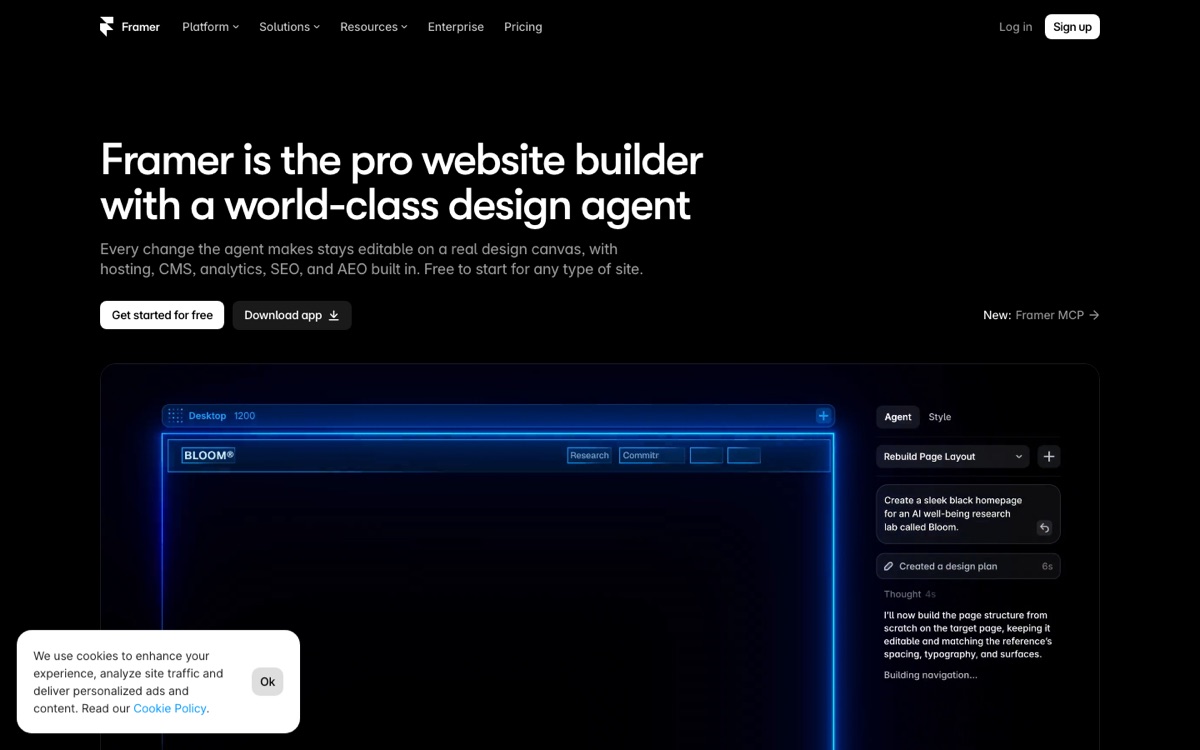
Framer started as a prototyping tool and became the no-code builder designers actually like. The AI features help you generate layouts, rewrite copy and build components, but you're still designing on a canvas. For me that's a feature: you see the result as you make it.
Why I use it: design control and motion. My portfolio, leontevadesign.com, is built in Framer, and so are a number of my client sites. Scroll effects, hover states and page transitions are all visual. Effects that take careful prompting in an AI coder, like a 3D tilt card or a marquee logo strip, you can set up directly on the canvas.
Where it hurts: the CMS is fine for a small blog and gets thin for anything bigger. There's no real code export. And if the project grows into "we also need a user dashboard," you're starting over in another tool.
Pick Framer for: a landing page, a portfolio, a small marketing site where motion and design quality matter more than content volume.
Webflow: marketing sites, blogs and agency sites
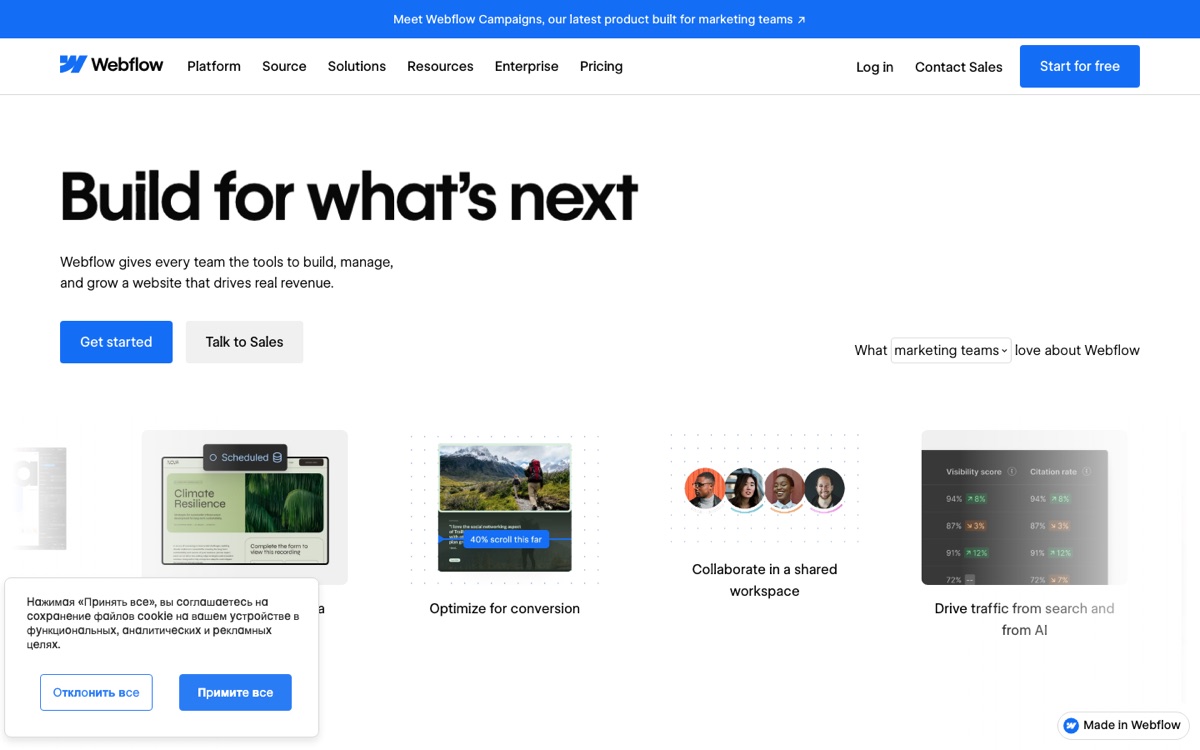
I haven't built a project in Webflow, so this is from its docs and its reputation among designers. Webflow is positioned as the professional's no-code builder: a real CMS, detailed SEO controls, code export, and a learning curve to match. Its AI features are lighter than the others on this list; they assist rather than drive.
Why it might fit: when the client has a lot of content. A blog with hundreds of posts, a case-study library, a multi-language site. Webflow's CMS and collection pages are built for that.
What to expect: Webflow is known for being slower to build in than Framer and certainly slower than prompting an AI builder, with more setup up front. Complex interactions are possible but take patience. Many Webflow users pair it with Relume for sitemaps and wireframes; I haven't used Relume either, so check it for yourself.
Pick Webflow for: content-heavy marketing sites, blogs, and sites where the client's team will edit content themselves.
Lovable: SaaS apps, MVPs and interactive landings
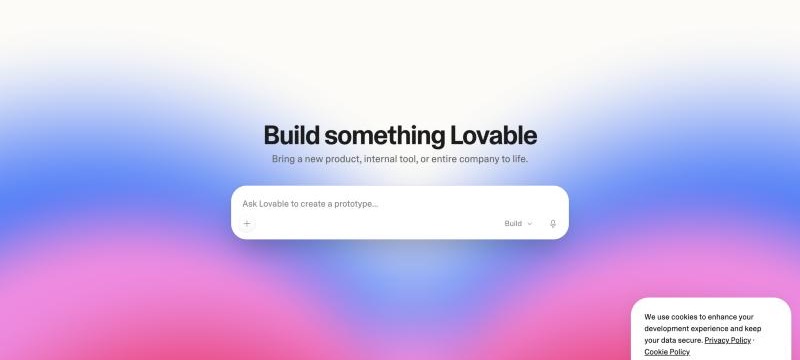
Lovable is a different kind of tool. You describe the app in a chat, and it generates a full React project, with a backend for logins and data when you need one. You iterate by talking. It syncs to GitHub so you can take the code anywhere. I used it in the past, before most of my code work moved to Claude Code.
Why it's useful: anything with logic. A waitlist, a pricing calculator, a client portal, a SaaS MVP. Things that would need custom code in a no-code builder are within reach from a conversation.
It also works well for animated landing pages, because the output is real React and you can drop in components from libraries like Magic UI or Aceternity, or prompts from MotionSites, which I subscribe to. My guide to animated landing pages with AI prompts covers that route.
Where it hurts: it's a coder that doesn't always behave like one. A new round of changes can break something that worked. Design quality depends heavily on your prompts; a lazy prompt gives you a generic page. And the client can't easily edit content without learning Lovable or you wiring up a CMS.
Pick Lovable for: SaaS apps, MVPs, anything with logins or a database, and landing pages where you want real code and custom animation.
Bolt: prototypes and dev-leaning users
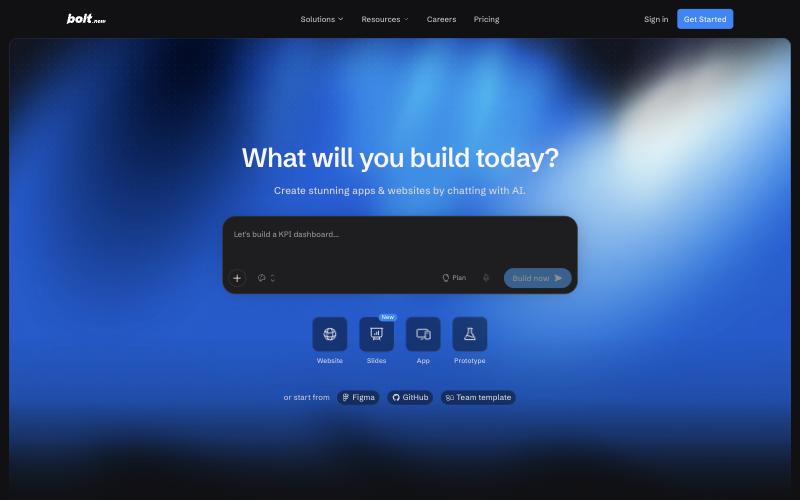
Bolt is Lovable's closest competitor: an in-browser AI full-stack builder. I haven't used it, but from its docs and demos the main difference is that Bolt shows more of the development environment: the file tree, the terminal, package installs. Lovable hides more of that.
Why it might fit: projects with a developer involved. That transparency should make it easier to debug and to hand off.
What to check: how its output compares with Lovable's for your kind of project, and how its usage-based pricing works out for you. Try the same brief in both before you commit. MotionSites prompts include Bolt variants, though I haven't tested those.
Pick Bolt for: prototypes, dev-led teams, projects that will move to a real repo quickly.
10Web: WordPress with AI
10Web generates a WordPress site from a prompt, hosts it, and wraps it in an AI editor. Under the hood it's WordPress with Elementor, which is the point: the output is a normal WordPress site you own. I build WordPress sites for clients, but not with 10Web, so this is based on what the product describes.
Why it might fit: clients who need WordPress. Plenty of businesses have a WordPress history, a plugin they depend on, or a marketing contractor who only works in WordPress. A generated starting point could save a lot of theme setup.
What to expect: it's still WordPress. Page speed needs attention, and the motion options are what Elementor offers. For a page that needs a spotlight cursor or an aurora hero, plan on adding custom code.
Pick 10Web for: WordPress sites, blogs that need WordPress plugins, WooCommerce stores.
Hostinger: cheap, bundled, good enough
Hostinger's AI builder comes with its hosting plans. You answer a few questions, it generates a site, and you adjust it in a simple editor. It isn't trying to compete with Framer on design or with Lovable on logic. I haven't used it; this is based on the product pages.
Why it might fit: price and simplicity. For someone starting a small business who needs a simple site and an email address quickly, an all-in-one budget plan is a reasonable place to start.
Where it's limited: anything advanced. Less design control, little motion, no code export, a basic CMS.
Pick Hostinger for: first sites, small local businesses, budget-first projects.
By use case
Landing page
First choice: Framer. That's my own default for a polished, animated page a client can edit. Second: Lovable or another AI coder if you want real code or custom effects. See the full Framer vs Webflow vs Lovable comparison.
SaaS app or MVP
Lovable, with Bolt as the alternative to look at for dev-heavy teams. Of the tools here, these are the ones built to generate logins and a database from a prompt.
Blog or content site
Webflow has the reputation for designed, content-heavy sites. 10Web if it has to be WordPress. Framer's CMS works for a small blog but gets awkward as the content grows.
Agency site
Webflow is the common choice, for its case-study CMS, SEO controls and client editing; many people pair it with Relume for structure. For a smaller studio or a personal portfolio, Framer is what I use.
Small business site on a budget
Hostinger, or 10Web if they need WordPress specifically.
What I'd skip
Trying to make one tool do everything. A SaaS marketing site built in an AI app builder with no CMS is painful to edit; a no-code site with a hacked-together "app" in embedded code is painful to maintain. Pick the tool for the job, and plan for the marketing site and the app to live in different tools from day one.
FAQ
Which AI website builder is best for beginners?
Hostinger looks like the simplest path to a live site. Framer if you're a beginner with design taste and some patience. Lovable if you're a beginner who wants to build an app, not just a site.
Can I export code from these builders?
Lovable and Bolt: yes, full source. Webflow: HTML/CSS/JS, not the CMS. 10Web: it's WordPress, so you own it. Framer: no editable React project. Hostinger: no. Check each tool's docs for the current details.
Which builder has the best animations?
Framer for visual, no-code motion. An AI coder like Lovable for anything custom, because it's React and you can use any animation library or prompt pack. My animated landing page guide covers that route step by step.
Do I still need a designer if I use an AI builder?
The tools produce competent pages. They don't produce a point of view, a hierarchy, or copy that converts. As a designer I'm biased, but the gap between "AI-generated" and "designed" is usually visible, even to people who can't name it.