Design WorldFree
 MotionSites3D
How it works
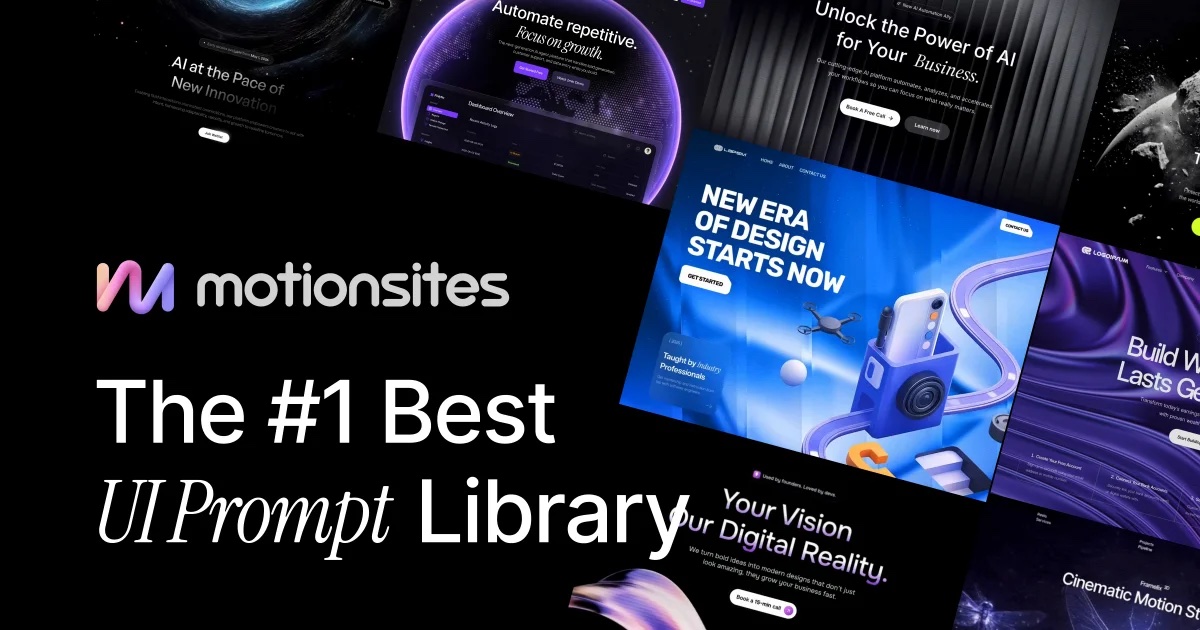
Pick an animated section, grab its prompt and paste it into the AI builder you already use. No design file, no code required.


Browse free animated sections by category: 3D, AI, SaaS, portfolio and more. Hover any card to watch the finished result before you build anything.
Click Get free prompt. It opens on MotionSites, where free prompts copy in one click. Premium prompts, templates and backgrounds are part of their paid plans.
Paste the prompt into Lovable, Bolt, Cursor or Claude. Add your product name, brand colors and fonts first, and the tool rewrites the section for you.
Lovable and Bolt can publish for you. For your own domain, email and several sites in one place, use regular hosting. Our publishing guide walks you through it.

Best for a quick landing page. Paste the prompt, get a working React site you can publish.

Good for prototypes and small apps. Fast previews right in the browser.

For an existing codebase. Paste the prompt into the chat and it edits your project.

Great for one section at a time. Ask for a single HTML file or a React component.
Not sure which one? Read Framer vs Webflow vs Lovable or the best AI website builders.
Start the prompt with one line about your product, audience, colors and fonts.
Build the hero, check it, then add the next section. Big prompts drift.
Ask the tool to rewrite all placeholder copy but keep timings and easing.
Open the result on a real phone. Heavy 3D and video need a lighter mobile version.


Free
MotionSites Unlimited
Prices as of October 2026.
MotionSites3DMotionSitesCreativeMotionSitesAIMotionSitesPortfolioYes. Every card marked Free opens a prompt you can copy on MotionSites at no cost. Some sections need a free MotionSites account.
The prompts are theirs. We show previews and send you to the original, so you always get the latest version from the author.
No. Lovable, Bolt and Claude build the section from the prompt. Cursor suits you if you already work with code.
Lovable for a quick landing page, Cursor for an existing codebase, Bolt for prototypes. Our comparison goes deeper.
MotionSites licenses its prompts for personal and client work. Check the license of any other library you use.
Yes. Before you paste the prompt, add a line with your product name, brand colors and fonts, and ask the tool to rewrite the placeholder copy.


Browse free animated prompts, or get new ones every week by email.
Weekly, free
One email with fresh animated sections, the prompts behind them and the tools worth trying. Unsubscribe anytime.

