Guide Research
Best Website Builders for Photographers in 2026
 Anna · Designer & web developerUpdated 2026-11-06 · How we test
Squarespace, Pixpa, SmugMug, Format, Wix, Framer and WordPress compared for photographers: prices, image limits, client galleries and print sales.
For most photographers, Squarespace is the best website builder in 2026: the templates make photos look good with no design work, and the Core plan sells prints and sessions with no store fee. Pixpa is the best value if you need client galleries and a store in one cheap plan. SmugMug suits photographers with huge archives who want unlimited storage and print sales handled for them.
Your choice depends on what the site has to do. A wedding photographer needs private client galleries and proofing. A fine-art photographer needs print sales. A commercial photographer mostly needs a fast, clean portfolio. This guide compares seven options on price, image limits, galleries and selling, then matches them to those jobs.
I'm Anna, a web designer and developer. I build client sites in Framer, WordPress and plain HTML, but I haven't used Squarespace, Pixpa, SmugMug, Format or Wix for a photography site. This is a research piece based on official pricing pages, docs and independent reviews. Figures are as of November 2026, so check the checkout before you pay. Some links here are affiliate links.
Quick comparison
| Builder | Starting price | Image limit | Client galleries | Selling | Free trial |
|---|---|---|---|---|---|
| Squarespace | $12/mo yearly | Unlimited storage | Via pages and add-ons | All plans, 0% store fee from Core | 14 days |
| Pixpa | $5.40/mo yearly | 200 on Basic, unlimited above | Yes, every plan | 3 to unlimited products, 0% commission | 15 days |
| SmugMug | $20/mo yearly | Unlimited photo storage | Yes | Prints from Portfolio ($23.50) | 14 days |
| Format | Promo-dependent | 70 to unlimited | 10 to 250 | From Pro, commission-free | 14 days |
| Wix | $17/mo yearly | 2 GB on Light | Via apps | From Core ($29) | Free plan |
| Framer | $10/mo | 50 GB bandwidth | No | Via third-party tools | Free plan |
| WordPress on Hostinger | $1.99/mo (48 months) | 20 GB on Premium | Via plugins | Via WooCommerce | 30-day refund |
Prices from each tool's official pricing page, November 2026. Pixpa and Format were running Black Friday or Cyber November offers, so the checkout may show a lower first-year price.
Squarespace: best overall for most photographers
Squarespace costs $12 a month on a yearly plan (Basic), $17 for Core and $25 for Advanced. Monthly billing is $19, $27 and $36. All plans include unlimited bandwidth and storage, and a free domain for the first year on annual plans.
The reason photographers pick it is the templates. Large images, generous white space and tidy grids come built in, and the strict layout system stops a page from falling apart on a phone. You can sell prints, digital downloads and session bookings. Basic charges 2% on store sales and 7% on digital products. Core drops the store fee to 0% and adds shipping labels and discounts.
Weak spots: no built-in proofing workflow like Pixpa or Pic-Time, and you can't export the design if you leave.
Pixpa: best value with client galleries
Pixpa is built for photographers. As of November 2026, plans cost $5.40 a month billed yearly ($64.80) for Basic, $9 for Creator ($108), $12 for Professional ($144) and $15 for Advanced ($180). Pixpa says yearly billing is 40% off the monthly rate, and it offers a 30-day money-back guarantee.
Every plan includes unlimited client gallery albums, so you can deliver wedding or event photos from the same account as your portfolio. The differences are in the details:
| Pixpa plan | Website images | Gallery links | Original file storage | Store products |
|---|---|---|---|---|
| Basic | 200 | 3 | 3 GB | 3 |
| Creator | Unlimited | 10 | 5 GB | 10 |
| Professional | Unlimited | 25 | 25 GB | 100 |
| Advanced | Unlimited | Unlimited | 100 GB | Unlimited |
Pixpa takes 0% commission, but your payment processor still charges its fee. Creator and above include a free domain for a year through IONOS, renewed at IONOS rates.
Weak spots: templates are less distinctive than Squarespace's, and original-file storage is small on the cheaper plans. Professional is the realistic plan for a working wedding photographer.
Visit Pixpa for the current offer.
SmugMug: best for big archives and print sales
SmugMug is a photo host first and a website builder second. Plans billed yearly are $20 a month for Direct, $23.50 for Portfolio and $37 for Pro, all with unlimited photo storage. RAW file storage is an add-on at $10 a month for up to 1 TB.
Portfolio and Pro let you use a custom domain and sell prints and digital downloads with your own profit margin. SmugMug works with print labs, so orders are printed and shipped without you touching them. Pro adds multiple price lists.
Weak spots: the site designs feel dated next to Squarespace, and Direct doesn't list a custom domain. It makes most sense if your archive is large or print sales are a real income stream.
Visit SmugMug to compare plans.
Format: portfolio plus proofing
Format splits into Basic, Pro and Pro Plus. Basic allows 70 high-res images and no store. Pro raises that to 1,500 images, 100 GB of storage, 50 client galleries and 15 store products. Pro Plus is unlimited images, 1 TB, 250 galleries and 1,000 products, all commission-free.
Pricing on Format's page was inconsistent in November 2026. The plan cards showed a Cyber November promo (60% off Pro and Pro Plus annual plans for the first year, until December 2, 2026), while the FAQ listed different regular prices. Check the checkout before you decide. There's a 14-day trial without a card.
Visit Format for current prices.
Wix: most flexible all-rounder
Wix costs about $17 a month on a yearly plan for Light, $29 for Core and $39 for Business. Light has 2 GB of storage, which a photographer will fill quickly. Core raises storage to 50 GB and is the first plan that accepts payments.
The editor lets you place images anywhere, and Wix's app market covers bookings, galleries and print sales. That freedom helps if you have a strong visual idea. It also means more work to keep pages tidy on mobile. Wix has a 14-day money-back guarantee and a free plan with Wix branding. Our Wix vs Squarespace vs Hostinger comparison goes deeper on pricing.
Framer: best for a design-led portfolio
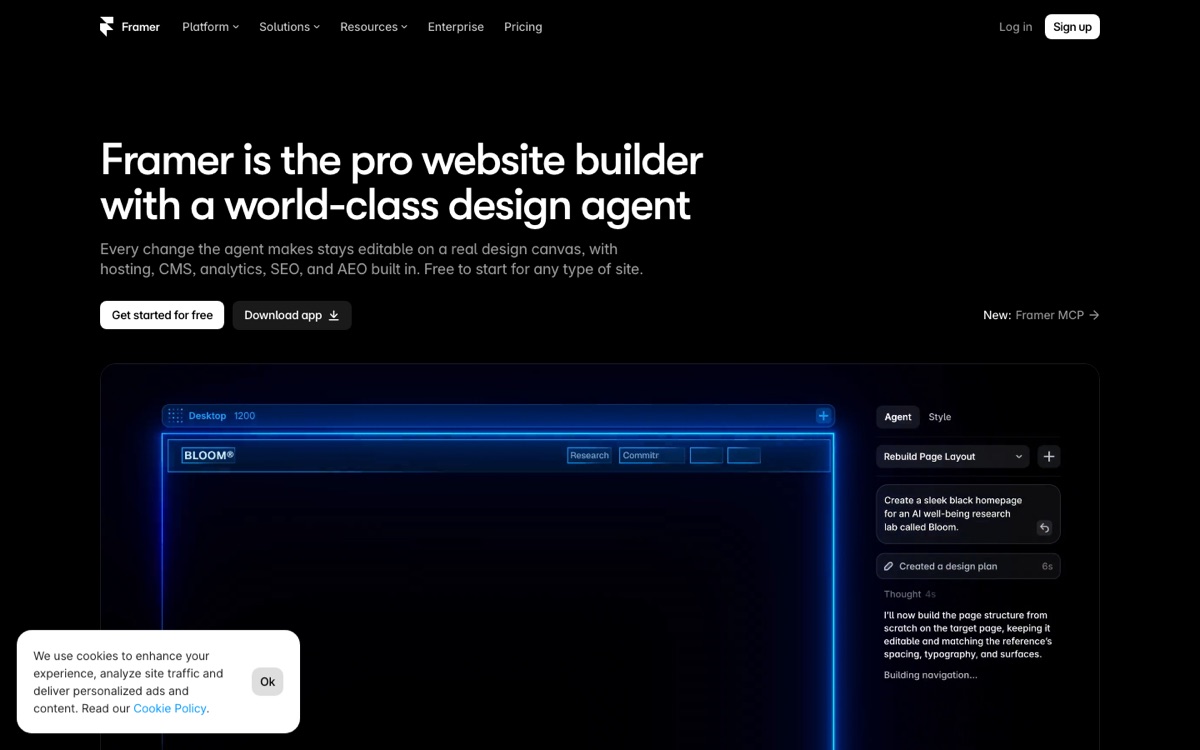
Framer is what I use for my own client sites. It works like a design tool: you control every detail, add motion and scroll effects, and publish with one click. The Basic plan is $10 a month with 30 pages, 50 GB of bandwidth and a free custom domain on yearly billing. Pro is $30 a month with 150 pages and 100 GB. There's a free plan on a Framer subdomain.
Framer has no client galleries or print store, so it fits commercial photographers, directors and studios who need a striking portfolio and send galleries through another service. If you want animated sections without starting from scratch, see our animated landing page guide.
WordPress on your own hosting
WordPress is the cheapest route with the most control. Hostinger Premium costs $1.99 a month on a 48-month term ($95.52 upfront) and renews at $10.99, with 20 GB of storage, a free domain for the first year and email. You add a photography theme, a gallery plugin and WooCommerce if you sell prints.
The cost is your time. You handle updates, backups and image optimization. It's a good fit if you already know WordPress or work with a developer. Our WordPress section lists themes and plugins, and the Hostinger review covers the plans.
Which one to pick
- Most photographers, especially portrait and brand work: Squarespace Core.
- Wedding and event photographers on a budget: Pixpa Professional.
- Large archives and print sales: SmugMug Portfolio or Pro.
- Commercial portfolio with a strong design: Framer.
- Lowest cost and full control: WordPress on Hostinger.
- Lots of extras like bookings and events: Wix Core.
One tip for every option: export your images at web size (around 2,000–2,500 px on the long edge) before upload. Large originals slow every builder down, and visitors leave slow galleries.
FAQ
What is the best website builder for photographers in 2026?
Squarespace is the best choice for most photographers. Its templates show large images cleanly with no design work, and plans start at $12 a month on a yearly plan as of November 2026. The Core plan, at $17 a month yearly, sells prints and sessions with no store transaction fee.
Which photography website builder has client galleries?
Pixpa includes unlimited client gallery albums on every plan, from $5.40 a month billed yearly as of November 2026. SmugMug also delivers client galleries with unlimited photo storage. Format offers 10 to 250 client galleries depending on the plan. Squarespace, Wix and WordPress need extra pages, apps or plugins for proofing.
Is Pixpa better than Squarespace for photographers?
Pixpa is cheaper and built for photographers, with client galleries and a store on every plan and 0% commission. Squarespace has more polished templates and a bigger feature set for marketing and bookings. Choose Pixpa if you deliver client galleries often. Choose Squarespace if your portfolio's look matters most.
Can I sell prints from my photography website?
Yes. SmugMug's Portfolio and Pro plans sell prints through partner labs with your own profit margin. Squarespace sells prints and downloads on every plan, with 0% store fee from Core. Pixpa sells 3 to unlimited products by plan with 0% commission. Wix needs Core or higher to accept payments.
What is the cheapest website for a photographer?
WordPress on Hostinger Premium is the cheapest at $1.99 a month on a 48-month term, renewing at $10.99, as of November 2026. Pixpa Basic costs $5.40 a month billed yearly but allows only 200 website images. Framer and Wix have free plans on their own subdomains, without a custom domain.
Is Framer good for a photography portfolio?
Framer suits commercial photographers and studios who want a design-led portfolio with motion and full layout control. Basic costs $10 a month with 30 pages and 50 GB of bandwidth. Framer has no client galleries or print store, so you'd deliver galleries through another service such as Pixpa or SmugMug.
Bottom line
Start with the job the site has to do. If it's a portfolio that has to look great, pick Squarespace or Framer. If it delivers client galleries, pick Pixpa. If it sells prints from a big archive, pick SmugMug. If budget is everything, run WordPress on Hostinger. Browse our website builders section for more tools.