Comparison Hands-on
Framer vs Webflow vs Lovable for Landing Pages (2026): Which One Should You Build On?
 Anna · Designer & web developerUpdated 2026-11-06 · How we test
Head-to-head for landing pages in 2026: design control, animation, speed to ship, CMS, code ownership, client handoff. What I'd pick and when, as a web designer who builds in Framer.
Three tools, three philosophies. Framer is a design canvas with motion built in. Webflow is a professional site builder with a strong CMS. Lovable is an AI that writes a React app from a conversation. All three can produce a landing page; they differ in how you get there, what you own at the end, and what happens when the client asks for "one more thing."
Here's my starting point, so you can weigh what follows. I'm Anna, a web designer and developer. My own portfolio is built in Framer, and I build client sites in Framer, WordPress and plain code with AI tools. I've used Lovable in the past. I haven't built a project in Webflow, so everything I say about it comes from its documentation, its pricing page and its reputation among designers. Some links are affiliate links; pricing for all three changes often, so check current plans before deciding.
The short version
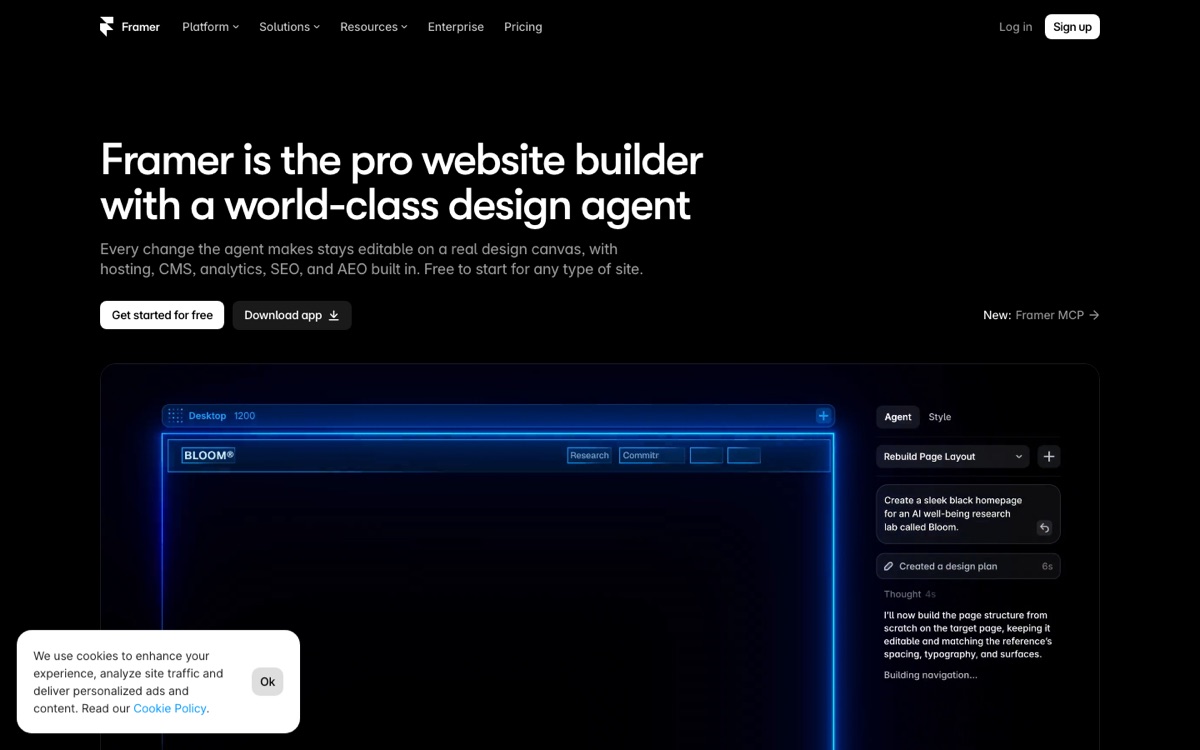
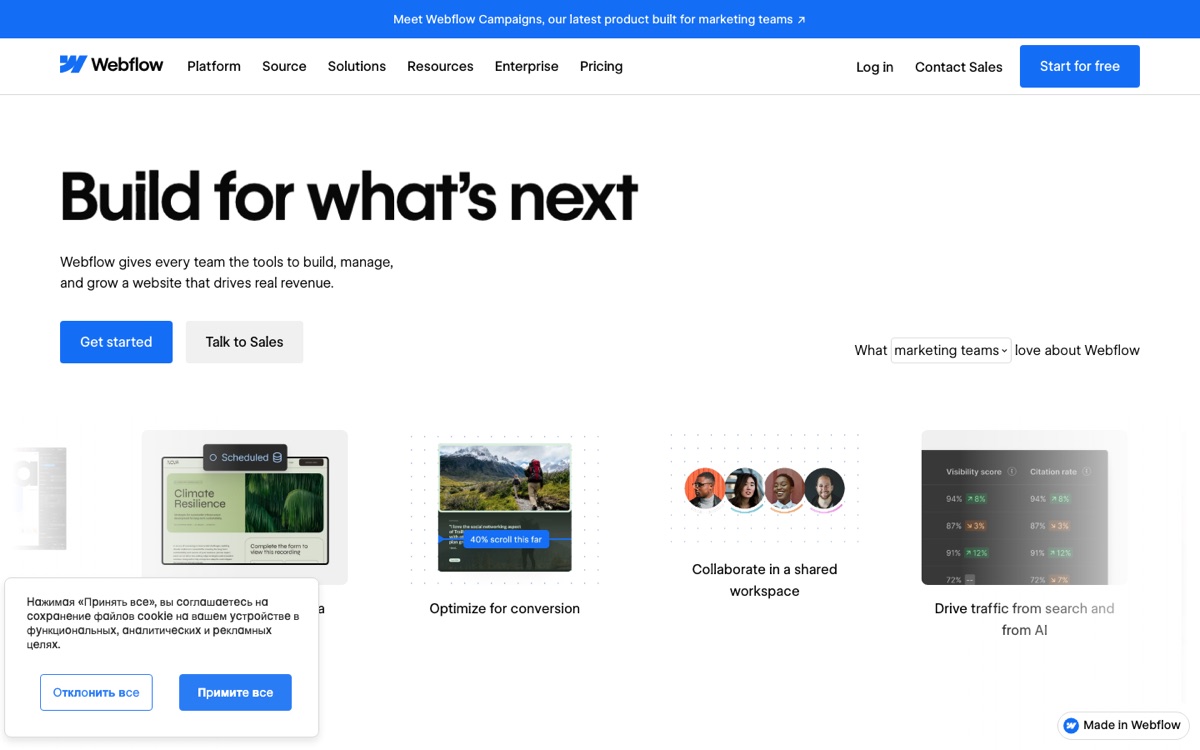
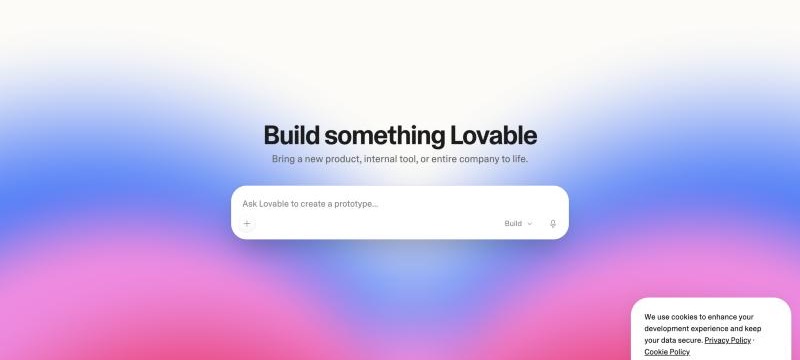
| Framer | Webflow | Lovable | |
|---|---|---|---|
| How you build | Visual canvas, AI-assisted | Visual builder, box model | Chat prompts, AI generates code |
| Learning curve | Low for designers | High | Low to start, high to master |
| Time to first draft | Fast | Slowest of the three | Fastest |
| Time to polished page | Fast if you design well | Slower, more setup | Depends on your prompts |
| Animation | Strong, visual | Capable, takes patience | Very flexible, prompt-dependent |
| CMS | Basic | Excellent | None by default |
| Code ownership | No editable code export | HTML/CSS/JS export | Full React source |
| Custom logic (forms, calculators, auth) | Limited | Limited | Native |
| Client can edit content | Yes, easily | Yes, with Editor | Not without extra work |
| Hosting | Included | Included | Included or self-host |
| Best for | Design-led landing pages | Content-heavy marketing sites | Landings with logic or custom effects |
Round 1: Speed to a first draft
Lovable wins. Describe the page and you get a working draft very quickly. It won't be good yet, but it exists, and the client can click it.
Framer is second. Starting from a template or with its AI layout tools, a first draft comes together quickly, especially if you already know the canvas.
Webflow is, by most accounts, the slowest here. Even with a tool like Relume generating the sitemap and wireframes (which many Webflow designers use; I haven't), you set up classes and structure before anything looks like a page.
Speed to first draft matters less than you'd think, though. The draft is a small part of the work.
Round 2: Speed to a polished page
This is where it gets closer.
Framer: for a designer, this is where it shines. You move things on a canvas and see the result immediately, including the responsive versions and animations.
Lovable: the gap between the quick draft and a polished page comes down to prompting discipline. Vague prompts give generic output; detailed prompts (I cover the structure in my animated landing page guide) get you much closer. Mobile fixes are often what takes the remaining time.
Webflow: from what I've seen of it, slower and more deliberate. Not because it's bad, but because it's thorough: every breakpoint is yours to handle. The payoff is precise control.
Round 3: Animation and motion
Framer wins for visual motion. Scroll effects, hover states, appear animations, loops, page transitions, all set in a panel and previewed live. An effect like 3D tilt cards or a marquee logo strip is something you set up visually. For designers who think in motion, it's the most natural of the three.
Lovable wins for custom motion. Because the output is React, often with Framer Motion (the library, not the builder), you can describe almost any effect. An aurora hero, a spotlight cursor, a particle grid: all a prompt away, and you can paste in components from libraries like Magic UI or Aceternity, or a MotionSites prompt (I subscribe to MotionSites and use it on sites I build in code). The cost is that quality depends on the prompt, and the AI will sometimes animate the wrong thing.
Webflow has Interactions, which by all accounts are powerful and detailed to set up. Scroll-driven and hover animations are well supported. For a scroll parallax section that should be fine; for anything cursor-reactive, expect to add custom code in an embed.
Round 4: CMS and content
Webflow wins, clearly. Collections, references, multi-reference fields, conditional visibility, collection pages. A landing page with a dynamic testimonial list, a case-study grid pulled from a CMS, or a blog attached to it is what Webflow is built for.
Framer has a CMS that works well for a modest blog or a small testimonial list. As the content grows, it gets thinner.
Lovable has no CMS. Content lives in code. If the client needs to edit a headline, they either learn Lovable or you make the change. You can connect a headless CMS or a database table, but that's a project in itself.
For a single landing page this matters less than it sounds. For a landing page that will become a marketing site, it matters a lot.
Round 5: Code ownership and portability
Lovable wins. GitHub sync, full React source, deploy anywhere. If Lovable disappeared tomorrow, your site would still exist and any React developer could maintain it.
Webflow exports HTML/CSS/JS, which is usable but not something you'd want to maintain as a codebase. The CMS doesn't come with it.
Framer doesn't give you an editable codebase. For practical purposes, a Framer site lives in Framer. I'm fine with that for marketing sites, but it's worth knowing up front.
Most clients don't ask about this until they need it, so I'd bring it up at the proposal stage.
Round 6: Logic and interactivity
Lovable, by a wide margin. Forms with custom validation, a pricing calculator, a waitlist, gated content, user accounts: all native. This is the use case where the other two aren't really competitors.
Framer and Webflow handle simple forms natively and rely on embeds or third-party tools for anything else. A calculator is a custom code embed. Logins are an integration. It works, but it's bolted on.
Round 7: Client handoff
Framer and Webflow both let a client edit text and images without touching the design. In Framer, which I hand off to clients, this is simple. Webflow's Editor is known for being more controlled. For a client who wants to change the hero headline on a Tuesday, either should work.
Lovable doesn't. The client either learns to prompt (risky; a bad prompt can break the layout) or you handle edits. For clients with a marketing team, that's a real cost. For a founder who'll ask you anyway, it's fine.
Round 8: Pricing
I won't quote numbers; all three change their plans regularly. What I can say about the shape:
- Framer has a free plan with branding and paid site plans. Usually an affordable way to publish a single landing page.
- Webflow has a free plan for building and site plans that scale with CMS needs. It can get more expensive with many CMS items or several sites.
- Lovable charges by usage (messages/credits). Cheap for one page; the cost grows with how much you iterate.
Check current pricing on Framer, Webflow and Lovable before you commit.
What I'd pick, by situation
A design-led landing page for a brand or product, no app behind it, client wants to edit copy: Framer. This is the most common case, and it's what I usually choose.
A landing page that's the front door to a marketing site with a blog, case studies, multiple pages: Webflow is the tool built for this. Set it up properly once and the site can grow without a rebuild. If you don't know Webflow, Framer or WordPress can also cover a lot of this.
A landing page with a waitlist, calculator, login, or anything dynamic; or a page that needs a custom animation the no-code tools can't do: Lovable or another AI coder. The output is real code and you can make it do almost anything. For my own code projects I use Claude Code for this.
A landing page for a SaaS whose app is also being built in Lovable: still consider splitting. Marketing site in Framer, app in Lovable. The two have different editing rhythms, and keeping them apart means a marketing edit can't break the app.
Not sure: Framer. It gets you to a result you won't be embarrassed by quickly, and it costs little to abandon if the project changes direction.
What I'd avoid
- Building a content-heavy site in Lovable because the landing page started there. You'll fight the lack of CMS for a long time.
- Building a calculator or signup flow in Webflow with embeds when an AI coder would do it natively.
- Choosing Webflow for a one-page site that will never grow. The setup cost isn't worth it.
My broader comparison, including 10Web, Hostinger and Bolt, is in best AI website builders in 2026.
FAQ
Can I move a landing page from Framer to Webflow later?
Not meaningfully. You'd rebuild. Same for Framer to Lovable or Webflow to Lovable. The direction that works best is Lovable to anywhere, because you have the source code. Decide up front.
Which is best for SEO?
Webflow is known for the most detailed SEO controls (meta, schema, redirects, sitemap, clean markup). Framer covers the essentials and keeps improving. Lovable produces a React single-page app by default, which needs extra work (server rendering or prerendering) to rank well. For an SEO-driven landing page, Webflow or Framer.
Is Lovable's animation really better than Framer's?
It's more flexible, not more polished out of the box. Framer gives you excellent motion with zero code. Lovable gives you any motion you can describe, with quality depending on your prompts. If you want a specific unusual effect, Lovable. If you want tasteful motion fast, Framer.
Do I still need a designer with any of these?
Yes, and I'd say that even if I weren't one. All three tools will produce a competent page. None will produce a strong headline, a clear hierarchy, or a layout that guides the eye. The tool decides how fast you build; the design decides whether it works.